Everon™ Network Solutions Campus/Edge Architecture🔗
Everon™ Network Solutions is designed specifically to interface with Campus and Edge network architectures. The system automatically discovers network topology and requires no manual configuration for interconnects between devices, making it ideal for campus environments with frequent changes and growth.
Campus Network Design Philosophy🔗
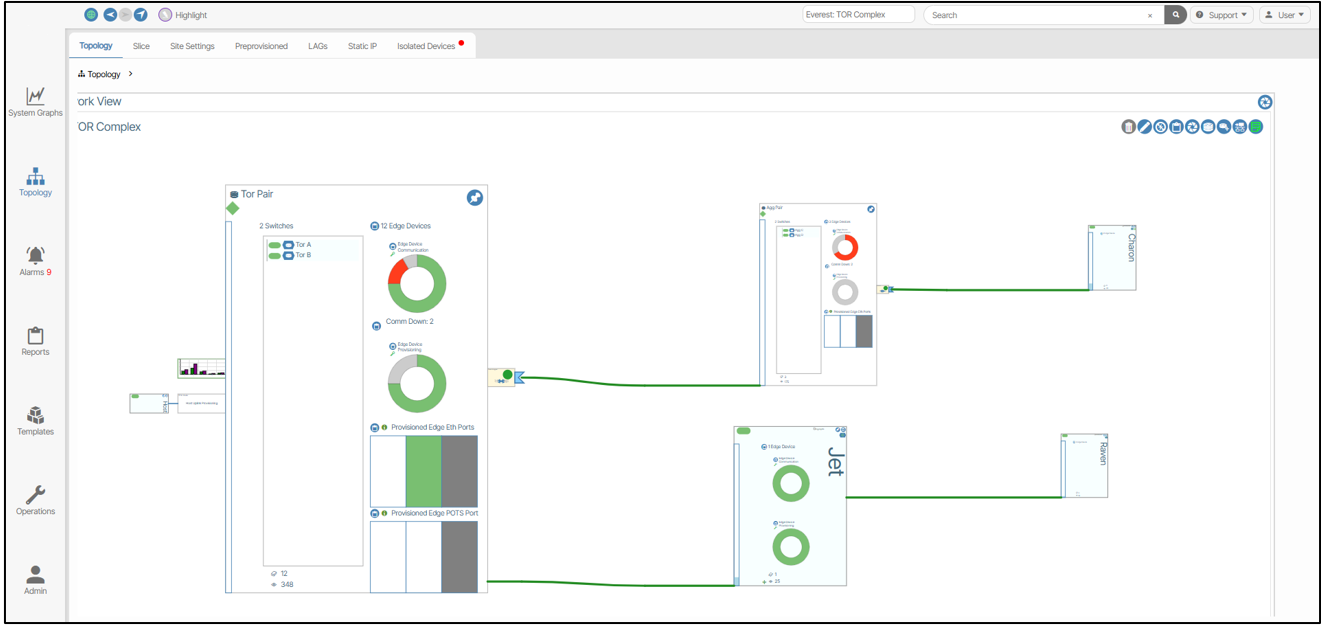
The Everon™ Network Solutions system excels in campus environments because it:
- Auto-discovers topology - Campus networks often have diverse and changing topologies
- Simplifies device replacement - Easy swap-out of failed devices without reconfiguration
- Supports LLDP discovery - Both whitebox SONiC devices and blackbox vendor devices
- Enables port mobility - Move connections without manual reconfiguration
Everon™ Network Solutions System Components🔗
Software Defined Local Controller (SDLC)🔗
The SDLC hosts the various containers used for device communications and system functions. In campus deployments, this Linux VM manages:
- ACS (Access Communication Server) - Scalable messaging between vNETC and all campus devices
- GuiA (UI Acceleration) - Backend processing for the campus network interface
- Device Controllers - Interface between Everon™ Network Solutions and campus switches (both SONiC and vendor devices)
Virtual Network Commander (vNETc)🔗
The vNETc provides the brain of your campus network, hosting: - Database services for campus inventory and configuration - Web interface optimized for campus operations - Optional DHCP server for campus device provisioning - BizD application that translates campus intent into network configuration
Monitoring System🔗
Enhanced monitoring specifically valuable for campus environments: - Real-time telemetry from all campus devices - Historical data for capacity planning - Performance metrics for troubleshooting campus connectivity issues
Campus Management Network🔗
Campus management networks in Everon™ Network Solutions: - Out-of-band management for all campus switches - Typically 1 Gigabit connections to management VLAN - Can leverage existing campus infrastructure - Supports both in-band and out-of-band management approaches
Campus Workspace Overview🔗
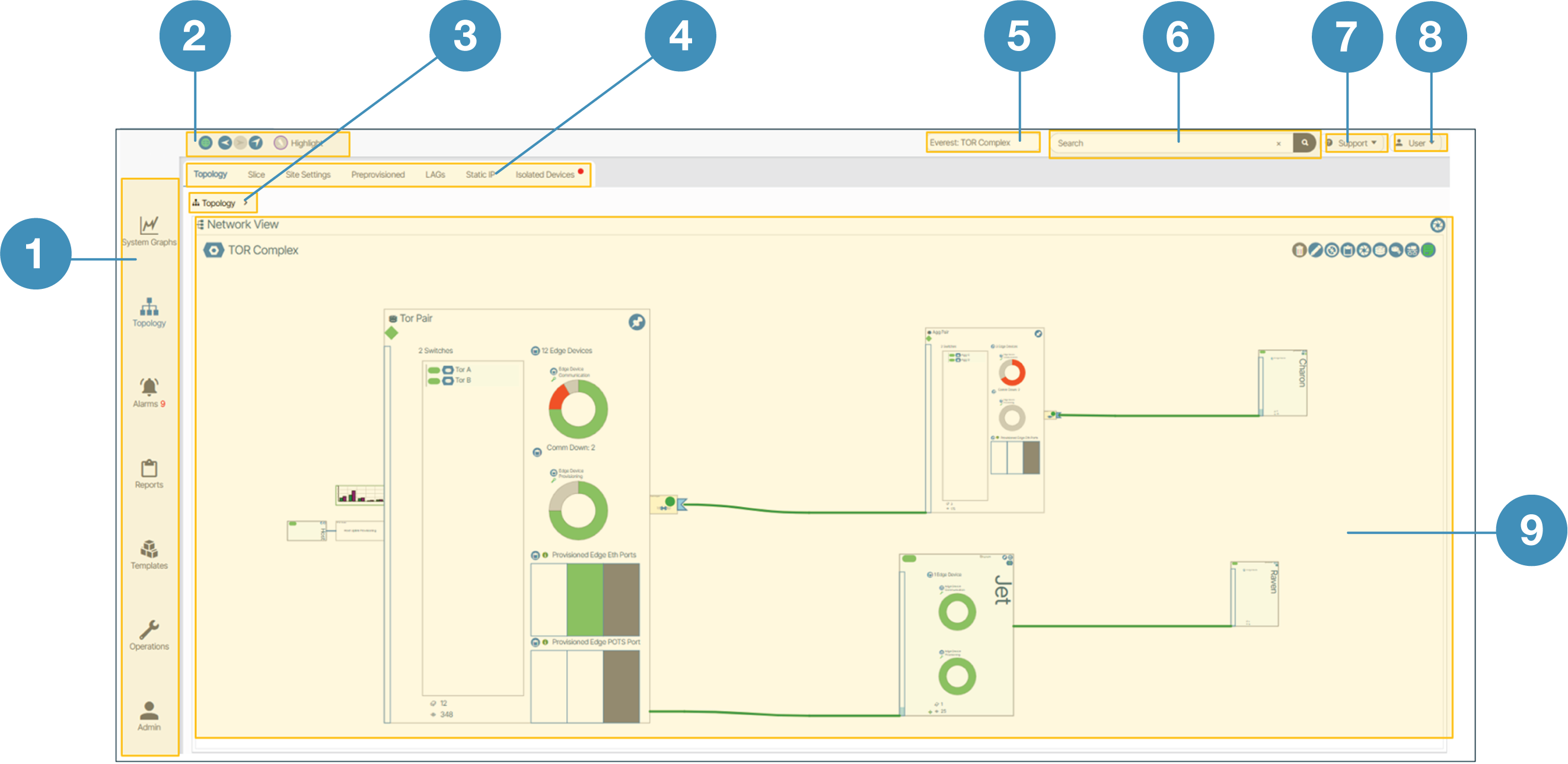
The Everon™ Network Solutions workspace provides campus engineers with:
- Main Menu - Campus-focused navigation
- Navigation Tools - Quick access to campus functions
- Navigation Depth Tracker - Know where you are in complex campus hierarchies
- Context Windows - Campus-specific configuration options
- Site Selector - For multi-building or multi-campus deployments
- Search - Find any campus device or configuration quickly
- Support - Direct access to campus-focused help
- User Management - Role-based access for campus teams
- Live Workspace - Real-time view of your campus network
Next Steps🔗
Once you understand the campus architecture approach:
- Installation - Deploy Everon™ Network Solutions in your campus environment
- Initial Setup - Configure Everon™ Network Solutions for campus operations
- Campus Device Management - Add and manage campus switches
- Campus Templates - Streamline campus provisioning