Campus Multi-Site Configuration🔗
Everon™ Network Solutions for Campus (Campus Multisite) Software Version 6.3.0+
Multisite systems are used to administer multiple campus networking infrastructures from a single GUI instance. In a Multisite system, campus networks are organized into Domains and Sites. Sites are independent campus networks, while Domains are collections of Sites.
This capability is particularly useful for: - Multiple campus buildings - Distributed campus locations - Multi-campus organizations - Campus branch offices
Multisite Navigation🔗
To select a site, use the Currently Selected Site menu.
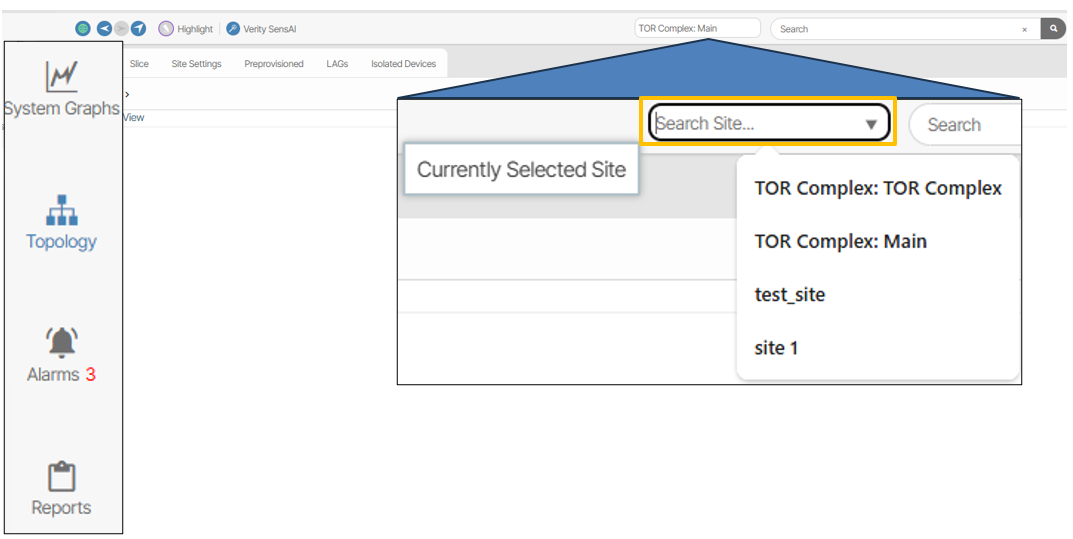
The menu item names display the domain and site information in this format.
Domains: Site
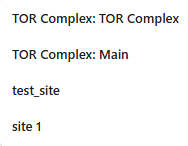
If a site does not have a domain, the colon is omitted and only the site name is presented.
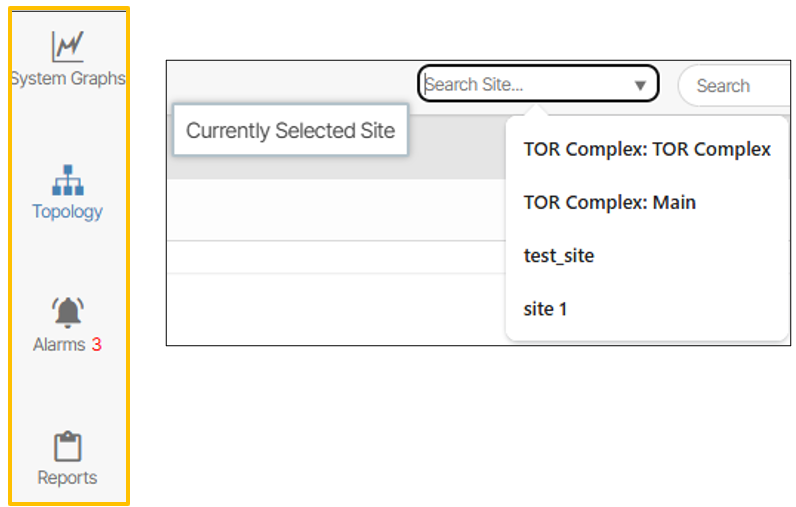
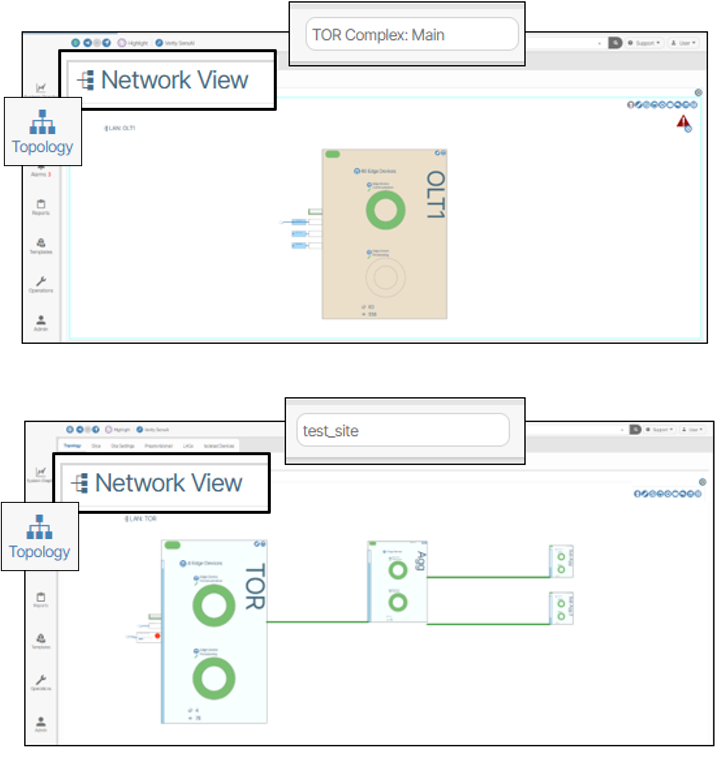
The content presented by clicking the System Graphs, Topology, Alarms and Reports navigation menus will update to reflect the configuration of the currently selected site.
For example, the Network View topology reflects different site selections.
The Templates, Operations, and Admin contain content that applies to the entire system. Therefore, these navigation menus display the same content across all sites and domains.

Site Management & Domain Management🔗
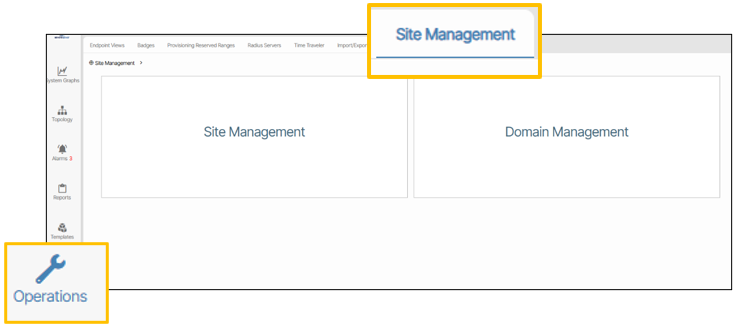
To view Site Management and Domain Management go to Operations / Site Management. These sections provide report information and let you manually create new site and domain objects.
Site Management🔗
Create New Sites
To create a new site, click the Create a New Site button and fill out the form details.
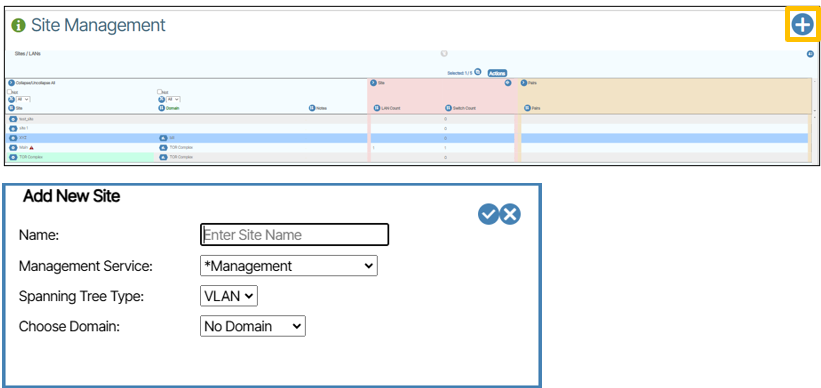
In campus environments, sites typically represent: - Individual campus buildings - Campus locations (main campus, satellite campuses) - Administrative boundaries (academic buildings, residential, etc.) - Geographic separation requiring different management
Domain Management🔗
Create New Domains
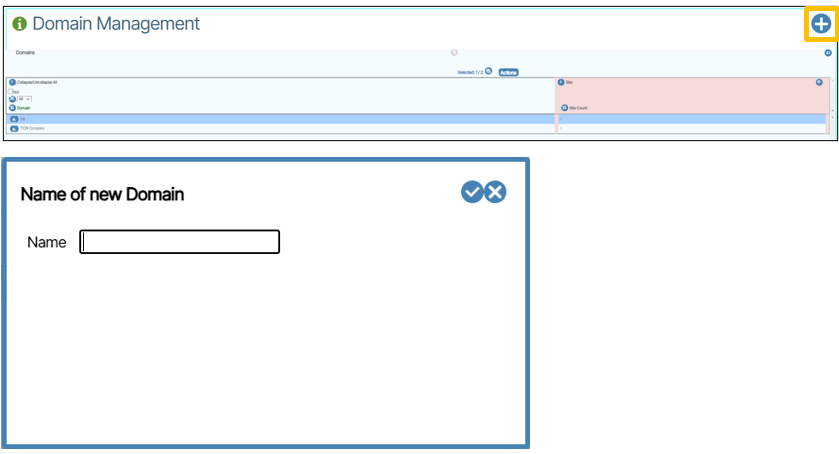
To create a new domain, click the Create a Domain button and fill out the form details.
Campus domains might be organized by: - Geographic regions (North Campus, South Campus) - Administrative units (Academic, Residential, Athletics) - Functional areas (Student Services, Administration, Research)
Add a Device to a Site🔗
Campus devices are typically assigned to sites based on: - Physical location (building, floor, room) - Administrative ownership - Service requirements - Security boundaries
Site and Domain Management Report Actions🔗
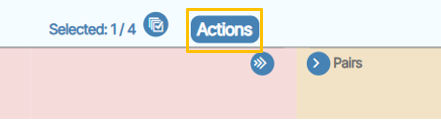
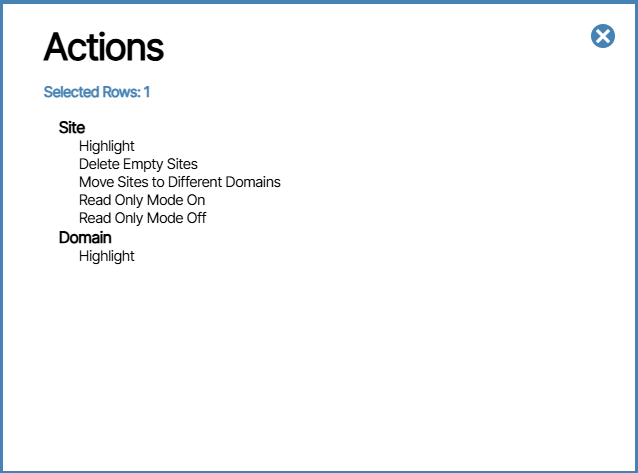
Additional actions can be imposed on sites and domains by clicking the Actions button.
Site Report Actions🔗
Domain Report Actions🔗
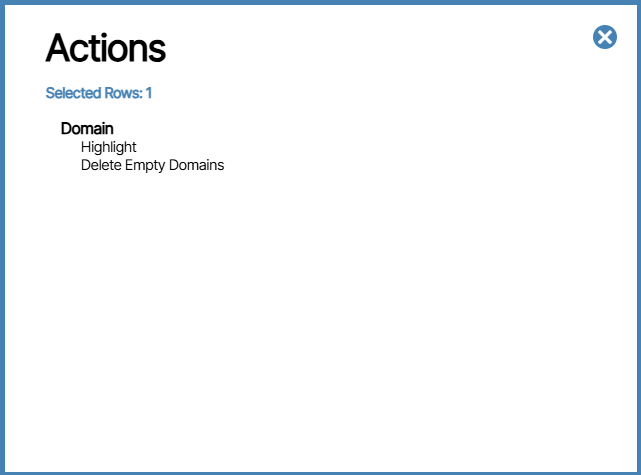
Reports🔗
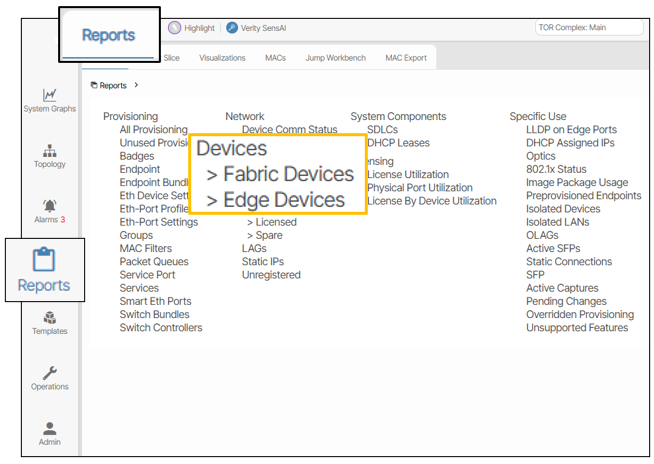
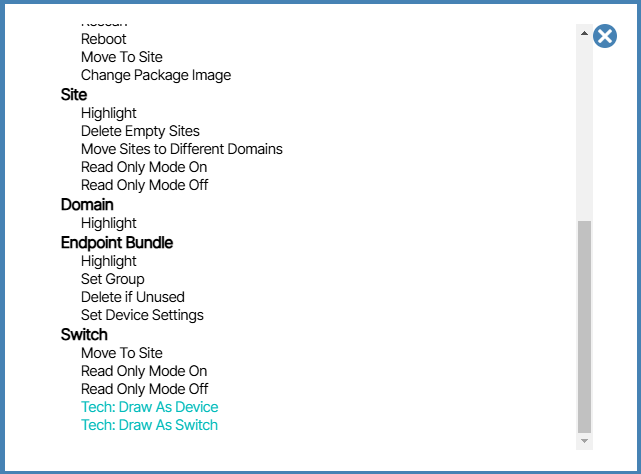
Navigating to Reports/Device Reports/Actions provides more options to work with sites, domains and devices.
Campus Multisite Best Practices🔗
Site Organization🔗
- Building-based Sites - One site per building for clear administrative boundaries
- Functional Sites - Group by purpose (academic, residential, administrative)
- Service-based Sites - Organize by network service requirements
Domain Structure🔗
- Geographic Domains - For physically separated campus areas
- Administrative Domains - For different organizational units
- Service Domains - For different types of network services
Template and Configuration Management🔗
- Standardized Templates - Use consistent templates across sites within a domain
- Site-specific Customization - Allow for local customization while maintaining standards
- Centralized Policy - Manage security and compliance policies centrally
Campus multisite deployments benefit from consistent template usage while allowing for local campus-specific requirements and customizations.